

Auto Deployer for XrmToolBox: keep Dataverse in sync with your build output
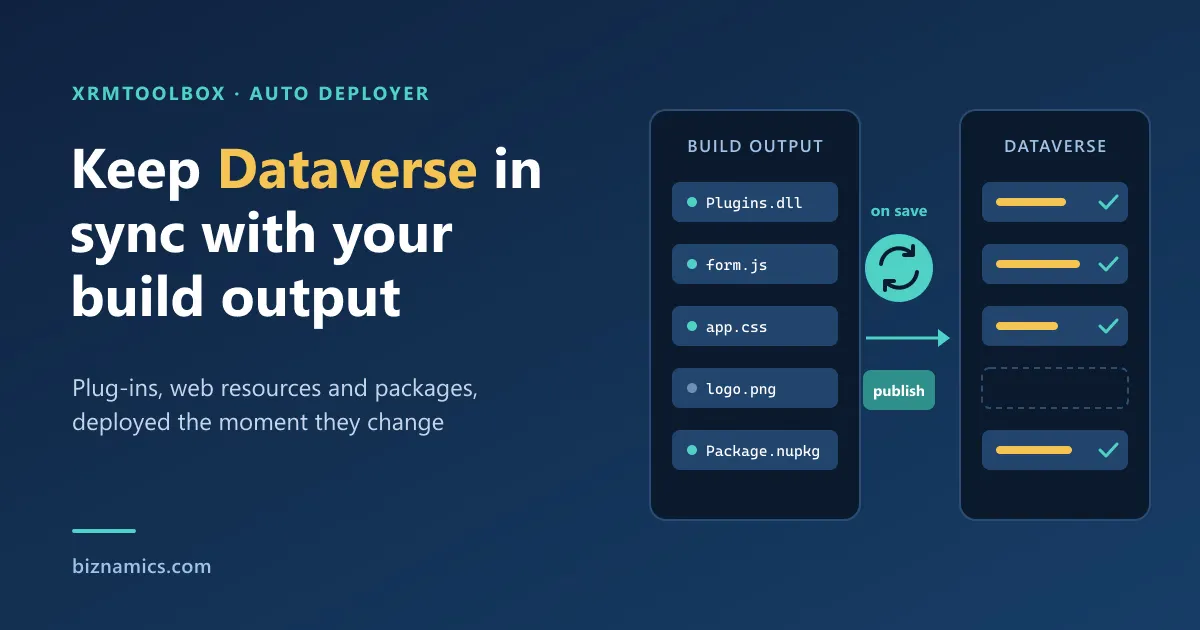
If you build solutions for Dataverse / Dynamics 365, you know the loop: rebuild → upload → publish → test → repeat.
None of these steps is hard. The cost is the friction: switching tools, repeating the same clicks, and losing focus many times a day.
Auto Deployer is an XrmToolBox plugin that removes most of that loop. It watches your local files and deploys updates to Dataverse as soon as they change.
What Auto Deployer does
Auto Deployer supports three development loops.
1. Plugin assembly auto-update
Point Auto Deployer at a plugin .dll and it updates the matching plugin assembly in Dataverse whenever the file changes.
Useful when you are:
- iterating on plugin logic
- fixing bugs with many small rebuilds
- refactoring assemblies or classes and want faster test cycles
2. Web resource auto-deploy, with validation and publish
For client-side work, Auto Deployer watches selected local files and updates the matching web resources.
You configure:
- Root folder: your build output root
- Prefix: your web resource prefix
- Patterns: globs such as
scripts\*.js,styles\*.css,images\*.png - Publish after update: optional
- Debounce: so a burst of rebuilds does not trigger several deploys
Then you use:
- Scan: builds a list from your local output based on your patterns
- Validate: checks those web resource names in Dataverse and highlights missing ones, so you catch prefix or configuration mistakes early
- Watch toggle per row: deploy only what you actually want deployed
The idea is simple: rebuild locally, refresh the app, keep working.
3. Dataverse plugin package watcher (online only)
If you work with plugin packages in Dataverse online, Auto Deployer can watch a .nupkg file and upload it to a selected plugin package when the file changes.
On-premises, the plugin package menu stays hidden, so there are no menu paths that can never work.
Built for daily development
The design principles behind the tool:
- Per-connection configuration: each environment can have its own setup
- Debounced watchers: no repeated deployments during rebuild bursts
- Validation where it matters: web resources are checked against Dataverse, not only on disk
- A UI that guides you: clear dialogs and safe defaults
Who it is for
Auto Deployer is useful if you:
- iterate on Dataverse customisations many times a day
- maintain solutions with many web resources
- ship plugins regularly and want faster deploy and test cycles
- want an always-on helper instead of another manual checklist
Credits
Thanks to Jonas Rapp for contributions and feedback that helped shape the tool.
Try it or contribute
Auto Deployer is open source on GitHub: imranakram/XrmToolBox.AutoDeployer.